Reorder PDF Pages: Change the Page Order in Any PDF (Free)
Learn how to reorder PDF pages using range expressions, drag-and-drop tools, pdf-lib, pypdf, and pdftk. Move, reverse, interleave, and rearrange PDF pages instantly.
ToolNest AI Team
Author
Published
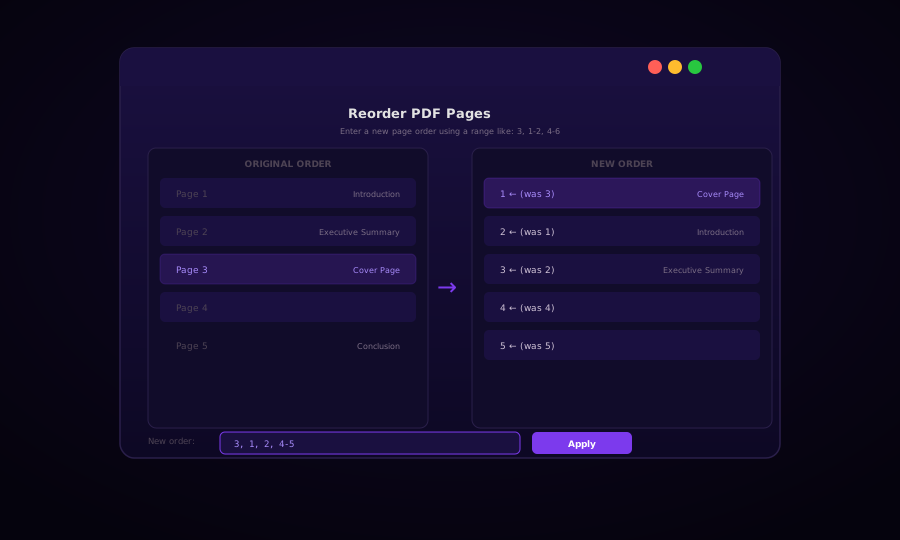
Sometimes a PDF is almost right but the pages are in the wrong sequence — a cover page was added last, sections were written out of order, or two scanned documents were merged incorrectly. Reordering PDF pages is a targeted fix that leaves everything else untouched.
Page reordering is conceptually simple: define which source page appears at each position in the output, then build a new PDF in that order. The most powerful tools let you express this as a range expression — compact notation that handles arbitrary reordering in a single string.
Range Expression Syntax
A range expression is a comma-separated list of page numbers and ranges:
| Expression | Meaning |
|---|---|
3, 1, 2 | Page 3 first, then 1, then 2 |
1-3, 5, 4 | Pages 1–3, then 5, then 4 |
5-1 | Pages 5, 4, 3, 2, 1 (reversed) |
1, 3, 5, 7 | Odd pages only |
2, 4, 6, 8 | Even pages only |
3, 1-2, 4-end | Page 3 first, then the rest in order |
This notation is used in pdftk and many online tools. Pages are 1-indexed in all common tools and the PDF spec.
Reorder Pages with pdf-lib (JavaScript / Browser)
import { PDFDocument } from "pdf-lib";

/**
 * Reorder PDF pages.
 * @param pdfBytes - Input PDF as Uint8Array or ArrayBuffer
 * @param newOrder  - Array of 0-based source page indices in the desired output order
 *                    e.g. [2, 0, 1] → source pages 3, 1, 2
 */
async function reorderPdfPages(pdfBytes, newOrder) {
  const srcPdf = await PDFDocument.load(pdfBytes);
  const outPdf = await PDFDocument.create();

  const copiedPages = await outPdf.copyPages(srcPdf, newOrder);
  copiedPages.forEach((page) => outPdf.addPage(page));

  return outPdf.save();
}

// Parse a range expression like "3, 1-2, 4-6" into a 0-based index array
function parseRangeExpression(expr, totalPages) {
  const indices = [];
  const parts = expr.split(",").map((s) => s.trim());

  for (const part of parts) {
    const rangeParts = part.split("-").map((s) => s.trim());
    if (rangeParts.length === 1) {
      const n = parseInt(rangeParts[0], 10);
      if (!isNaN(n) && n >= 1 && n <= totalPages) {
        indices.push(n - 1);   // Convert to 0-based
      }
    } else {
      let start = parseInt(rangeParts[0], 10);
      let end = parseInt(rangeParts[1], 10);
      if (isNaN(start)) start = 1;
      if (isNaN(end)) end = totalPages;
      const step = start <= end ? 1 : -1;
      for (let i = start; step > 0 ? i <= end : i >= end; i += step) {
        if (i >= 1 && i <= totalPages) indices.push(i - 1);
      }
    }
  }

  return indices;
}

// Browser usage
async function handleReorder(file, rangeExpression) {
  const buffer = await file.arrayBuffer();
  const srcPdf = await PDFDocument.load(buffer);
  const total = srcPdf.getPageCount();

  const order = parseRangeExpression(rangeExpression, total);
  const reorderedBytes = await reorderPdfPages(buffer, order);

  const blob = new Blob([reorderedBytes], { type: "application/pdf" });
  const url = URL.createObjectURL(blob);

  const a = document.createElement("a");
  a.href = url;
  a.download = "reordered.pdf";
  a.click();
}
Python: pypdf Page Reordering
from pypdf import PdfReader, PdfWriter
import re

def parse_range_expression(expr: str, total_pages: int) -> list[int]:
    """Parse '3, 1-2, 4-end' into a list of 1-based page numbers."""
    indices = []
    for part in expr.split(","):
        part = part.strip().replace("end", str(total_pages))
        if "-" in part:
            match = re.match(r"(\d+)-(\d+)", part)
            if match:
                start, end = int(match.group(1)), int(match.group(2))
                step = 1 if start <= end else -1
                indices.extend(range(start, end + step, step))
        elif part.isdigit():
            indices.append(int(part))
    return [i for i in indices if 1 <= i <= total_pages]


def reorder_pdf(input_path: str, output_path: str, range_expr: str):
    reader = PdfReader(input_path)
    writer = PdfWriter()
    total = len(reader.pages)

    page_order = parse_range_expression(range_expr, total)

    for page_num in page_order:
        writer.add_page(reader.pages[page_num - 1])   # PdfReader is 0-indexed

    with open(output_path, "wb") as f:
        writer.write(f)

    print(f"Reordered: {total} → {len(page_order)} pages in new order → {output_path}")


# Usage examples
reorder_pdf("report.pdf", "out.pdf", "3, 1-2, 4-end")  # Cover page first
reorder_pdf("scan.pdf",   "out.pdf", "8-1")             # Reverse all pages
reorder_pdf("book.pdf",   "out.pdf", "1, 3, 5, 7, 9")  # Odd pages only
pdftk: Range Expression Reordering
pdftk's cat command accepts range notation natively — the most concise CLI option.
# Move page 3 to the front
pdftk input.pdf cat 3 1-2 4-end output reordered.pdf

# Reverse all pages in a 10-page PDF
pdftk input.pdf cat 10-1 output reversed.pdf

# Extract odd pages (1, 3, 5, 7, 9) from a 10-page PDF
pdftk input.pdf cat 1 3 5 7 9 output odd-pages.pdf

# Extract even pages
pdftk input.pdf cat 2 4 6 8 10 output even-pages.pdf

# Interleave two halves of a PDF (useful for certain scanning workflows)
pdftk A=input.pdf cat A1-5 A10-6 output interleaved.pdf
pdftk's rotation suffixes can be combined with reordering:
# Page 3 at front (rotated 90° clockwise), then rest in original order
pdftk input.pdf cat 3east 1-2 4-end output out.pdf
Common Reordering Patterns
Move a Cover Page from Last to First
A document written chronologically often has the cover page appended at the end. Assuming a 12-page PDF:
pdftk input.pdf cat 12 1-11 output fixed.pdfIn Python:
reorder_pdf("input.pdf", "fixed.pdf", "12, 1-11")Reverse Page Order for Certain Printers
Some printers output pages in reverse order (last page on top). To prepare for collating:
pdftk input.pdf cat end-1 output reversed.pdfInterleave Pages from Two Files (Double-Sided Scan)
When scanning double-sided documents, odd pages come from one pass and even pages from another. Merge them correctly:
async function interleaveScans(oddPdfBytes, evenPdfBytes) {
  const oddPdf = await PDFDocument.load(oddPdfBytes);
  const evenPdf = await PDFDocument.load(evenPdfBytes);
  const outPdf = await PDFDocument.create();

  const oddCount = oddPdf.getPageCount();
  const evenCount = evenPdf.getPageCount();

  for (let i = 0; i < Math.max(oddCount, evenCount); i++) {
    if (i < oddCount) {
      const [p] = await outPdf.copyPages(oddPdf, [i]);
      outPdf.addPage(p);
    }
    if (i < evenCount) {
      // Even pages from scanner are in reverse — mirror the index
      const evenIdx = evenCount - 1 - i;
      const [p] = await outPdf.copyPages(evenPdf, [evenIdx]);
      outPdf.addPage(p);
    }
  }

  return outPdf.save();
}
Frequently Asked Questions
Does reordering change page content?
No. Only the sequence in which pages appear in the output changes. The content of each page — text, images, fonts, annotations — is identical to the source page.
Can I reorder a password-protected PDF?
You need the owner password (or a password granting content-copying permissions) to reorder pages. Browser tools will prompt for the password if the file is encrypted.
What happens to bookmarks and links after reordering?
PDF bookmarks (outline) and internal cross-reference links are stored separately from pages. After reordering, bookmark destinations may point to incorrect pages if the original page they referenced has moved. Use a PDF editor with bookmark management to update references after reordering.
How do I reverse the order of all pages?
In pdftk: pdftk input.pdf cat end-1 output reversed.pdf. In the range expression field, enter something like 10-1 for a 10-page PDF. In Python, pass list(reversed(range(total))) as the page order.
Can I duplicate a page while reordering?
Yes — simply include the same page number twice in the range expression. For example: 1, 1, 2-end duplicates page 1. Each copy is an independent page object in the output.
Is there a difference between Reorder and Organize PDF?
Both tools achieve the same result. "Reorder" typically refers to the range-expression approach (type a sequence), while "Organize" refers to the visual drag-and-drop thumbnail approach. Use whichever matches your workflow.
About the author
ToolNest AI Team
The ToolNest AI editorial team writes in-depth guides on PDF tools, image processing, and developer productivity.
Related Articles
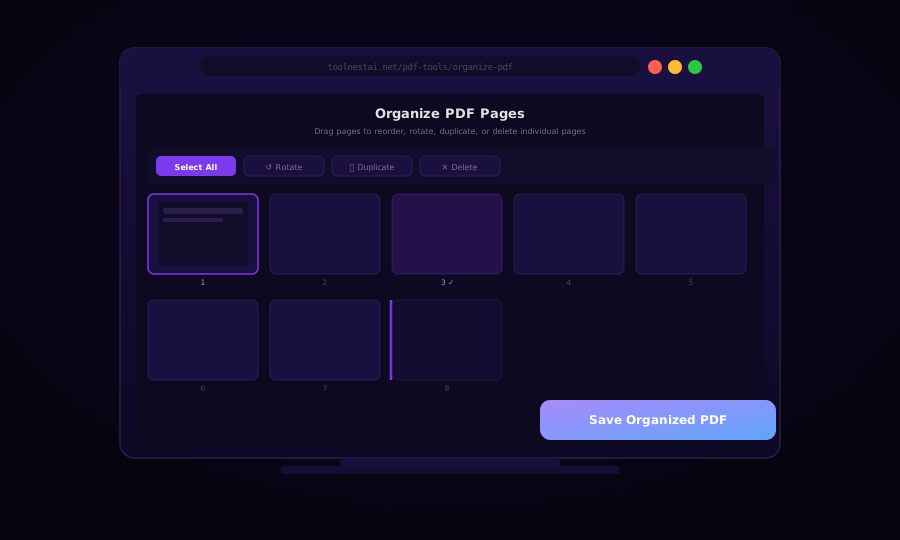
Organize PDF Pages: Reorder, Rotate, Duplicate, and Delete (Free)
Learn how to organize PDF pages with drag-and-drop reordering, rotation, duplication, and deletion — using browser tools, pdf-lib, Python pypdf, and pdftk.
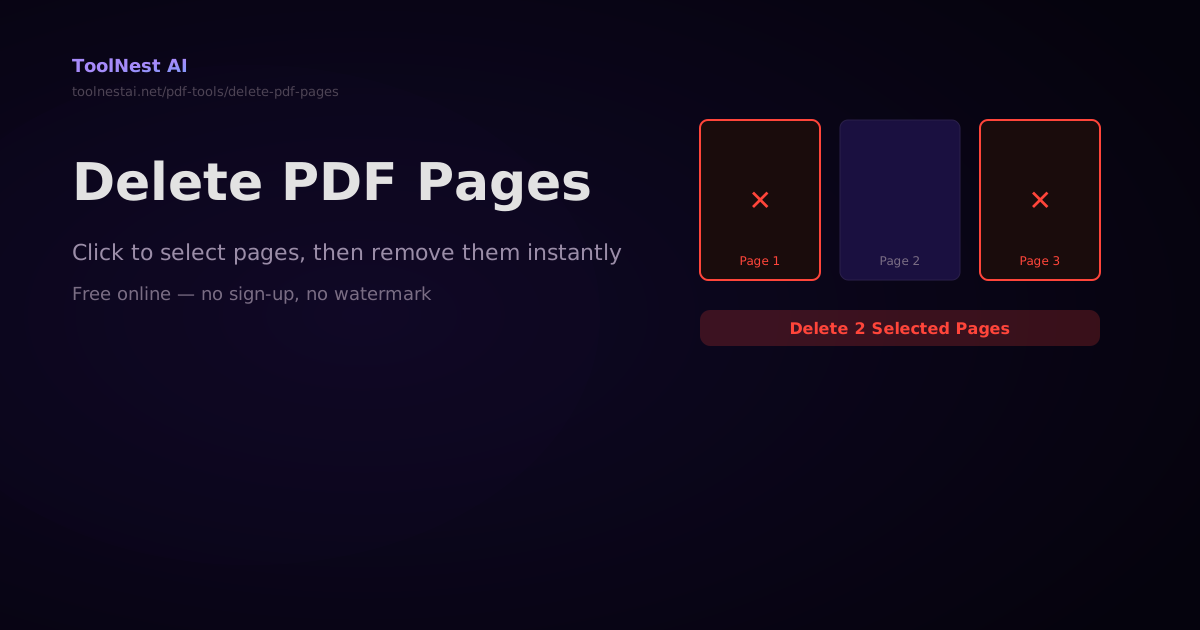
How to Delete Pages from a PDF — Free Online Tool and Code Guide
Delete specific pages from any PDF — click to select, type a range, or use code with pdf-lib, pypdf, or Ghostscript. Instant browser-side processing, no file upload required.
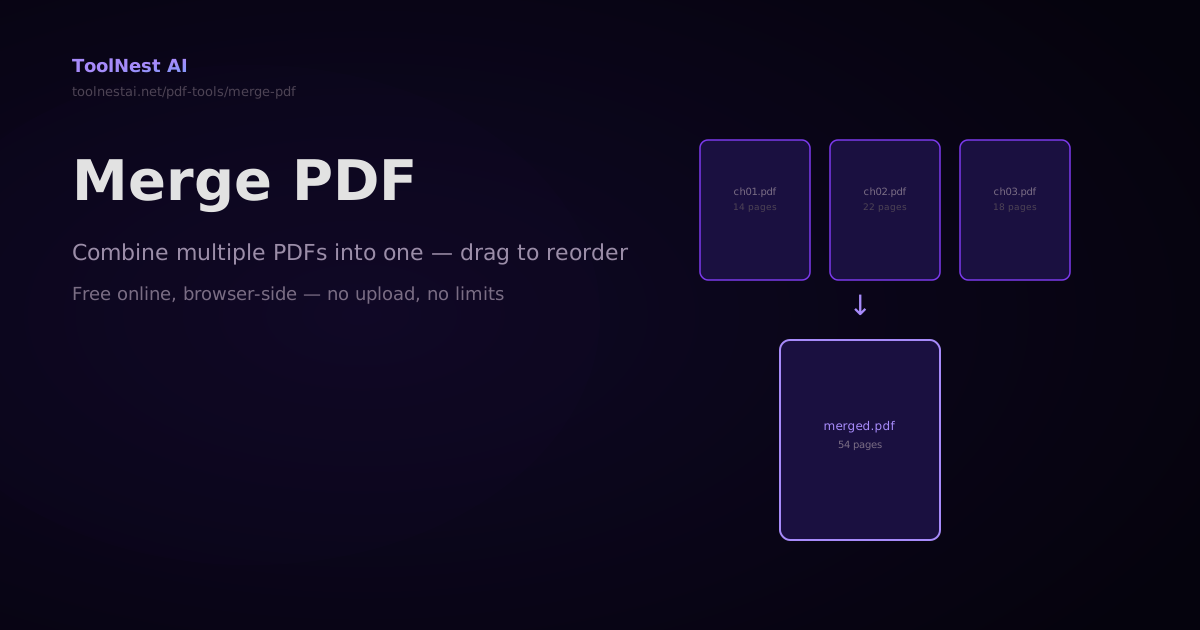
How to Merge PDFs — Combine Multiple PDF Files Into One Online or in Code
Merge any number of PDF files into a single document — drag to reorder, then combine. Plus step-by-step code with pdf-lib, pypdf, and Ghostscript. Free online with no sign-up.