How to Delete Pages from a PDF — Free Online Tool and Code Guide
Delete specific pages from any PDF — click to select, type a range, or use code with pdf-lib, pypdf, or Ghostscript. Instant browser-side processing, no file upload required.
ToolNest AI Team
Author
Published
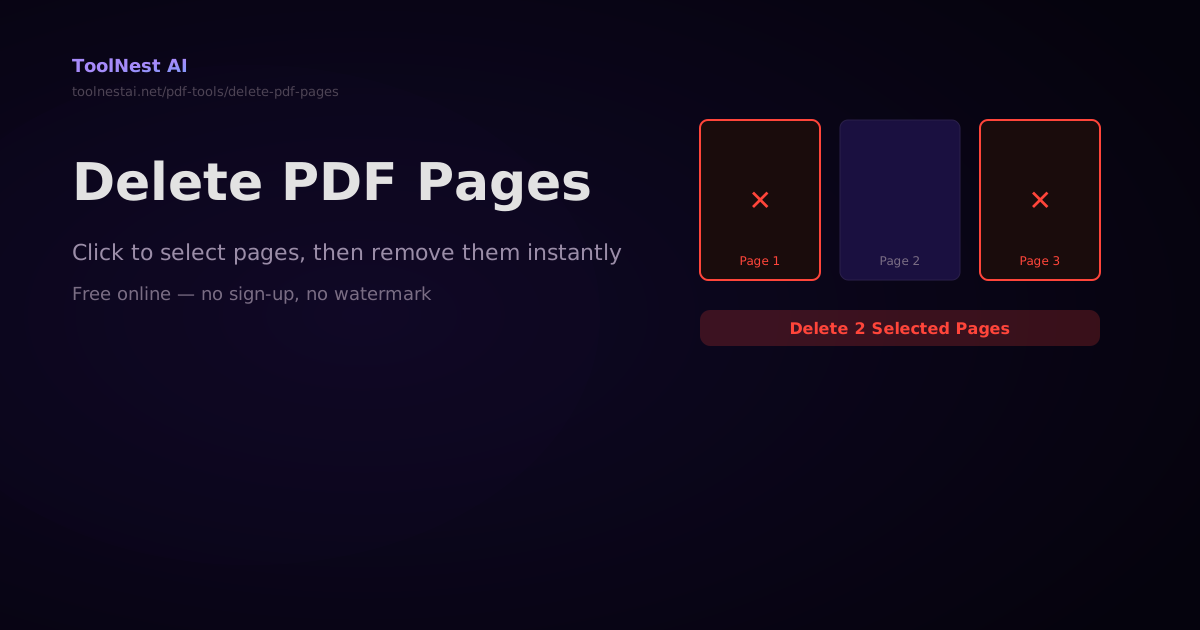
You get a 30-page PDF contract but only need pages 5–18. You receive a scanned report with a blank page every other page. You have a presentation where the first three slides are a cover and TOC you want to strip out. Deleting specific pages from a PDF is one of the most routine PDF tasks, and it takes seconds with the right tool.
Delete pages from any PDF with the ToolNest AI Delete PDF Pages tool — click page thumbnails to select, type a range like 1-3, 7, 12, and download the cleaned-up PDF instantly, all in your browser.
How to Select Pages to Delete
There are two ways to select pages:
Click-to-select: The tool shows thumbnails of every page. Click any thumbnail to mark it for deletion — selected pages get a red highlight. Click again to deselect.
Range input: Type a page range using standard notation:
3— delete page 3 only1-5— delete pages 1 through 51, 4, 7— delete pages 1, 4, and 7 (comma-separated)1-3, 8, 12-15— combined ranges and individual pages
The range input is faster for large documents where you want to delete a known set of pages without scrolling through dozens of thumbnails.
Deleting PDF Pages in Code
JavaScript with pdf-lib
import { PDFDocument } from 'pdf-lib';
import fs from 'fs';

async function deletePdfPages(inputPath, outputPath, pagesToDelete) {
  // pagesToDelete: array of 0-based page indices
  // e.g. [0, 3, 5] deletes pages 1, 4, 6 (1-indexed)

  const pdfBytes = fs.readFileSync(inputPath);
  const pdfDoc = await PDFDocument.load(pdfBytes);

  const totalPages = pdfDoc.getPageCount();
  console.log(`Total pages: ${totalPages}`);

  // Sort in descending order — removing from the end
  // prevents index shifting
  const sortedIndices = [...pagesToDelete].sort((a, b) => b - a);

  for (const index of sortedIndices) {
    if (index >= 0 && index < totalPages) {
      pdfDoc.removePage(index);
    }
  }

  const newBytes = await pdfDoc.save();
  fs.writeFileSync(outputPath, newBytes);
  console.log(`Deleted ${pagesToDelete.length} pages. New total: ${pdfDoc.getPageCount()}`);
}

// Parse a page range string like "1-3, 5, 7-9" into 0-based indices
function parsePageRange(rangeStr, totalPages) {
  const indices = new Set();
  const parts = rangeStr.split(',').map(p => p.trim());

  for (const part of parts) {
    if (part.includes('-')) {
      const [start, end] = part.split('-').map(Number);
      for (let i = start; i <= end; i++) {
        if (i >= 1 && i <= totalPages) {
          indices.add(i - 1); // Convert to 0-based
        }
      }
    } else {
      const n = parseInt(part);
      if (n >= 1 && n <= totalPages) {
        indices.add(n - 1);
      }
    }
  }

  return [...indices];
}

// Usage
const pdfBytes = fs.readFileSync('input.pdf');
const pdfDoc = await PDFDocument.load(pdfBytes);
const totalPages = pdfDoc.getPageCount();

const pagesToDelete = parsePageRange('1, 4, 6', totalPages);
await deletePdfPages('input.pdf', 'output.pdf', pagesToDelete);
Python with pypdf
from pypdf import PdfReader, PdfWriter
from typing import Union

def parse_page_range(range_str: str, total_pages: int) -> list[int]:
    """Parse '1-3, 5, 7-9' into list of 0-based indices."""
    indices = set()
    for part in range_str.split(','):
        part = part.strip()
        if '-' in part:
            start, end = map(int, part.split('-'))
            for i in range(start, end + 1):
                if 1 <= i <= total_pages:
                    indices.add(i - 1)
        elif part.isdigit():
            n = int(part)
            if 1 <= n <= total_pages:
                indices.add(n - 1)
    return sorted(indices)

def delete_pdf_pages(
    input_path: str,
    output_path: str,
    pages_to_delete: Union[str, list[int]]
) -> dict:
    reader = PdfReader(input_path)
    total = len(reader.pages)

    if isinstance(pages_to_delete, str):
        delete_indices = set(parse_page_range(pages_to_delete, total))
    else:
        delete_indices = set(pages_to_delete)

    writer = PdfWriter()
    kept = 0
    for i, page in enumerate(reader.pages):
        if i not in delete_indices:
            writer.add_page(page)
            kept += 1

    with open(output_path, 'wb') as f:
        writer.write(f)

    return {
        'original_pages': total,
        'deleted': len(delete_indices),
        'remaining': kept,
    }

# Usage
result = delete_pdf_pages('input.pdf', 'output.pdf', '1, 4, 6-8')
print(f"Deleted {result['deleted']} pages. {result['remaining']} pages remain.")
Ghostscript (Command Line)
Ghostscript's page selection works by specifying which pages to keep (rather than which to delete):
# Keep pages 2, 3, 5 (i.e., delete pages 1 and 4 from a 5-page PDF)
gs -dBATCH -dNOPAUSE -dSAFER \
   -sDEVICE=pdfwrite \
   -dFirstPage=2 -dLastPage=3 \
   -sOutputFile=output.pdf \
   input.pdf

# For non-contiguous pages, use multiple calls and merge the results
# Or use pdftk (if installed)
pdftk input.pdf cat 2 3 5 output output.pdf

# pdftk range syntax
pdftk input.pdf cat 2-end output output.pdf   # delete first page
pdftk input.pdf cat 1-5 7-end output out.pdf  # delete page 6
Common Scenarios
Delete Blank Pages
from pypdf import PdfReader, PdfWriter

def delete_blank_pages(input_path, output_path, threshold=100):
    """Remove pages with very little content (likely blank)."""
    reader = PdfReader(input_path)
    writer = PdfWriter()

    deleted = 0
    for i, page in enumerate(reader.pages):
        # Extract text — blank pages have no extractable text
        text = page.extract_text()

        # Check content stream length (very short = probably blank)
        content_length = 0
        if '/Contents' in page:
            contents = page['/Contents']
            if hasattr(contents, 'get_data'):
                content_length = len(contents.get_data())

        if len(text.strip()) < 5 and content_length < threshold:
            deleted += 1
            print(f"Removing blank page {i + 1}")
        else:
            writer.add_page(page)

    with open(output_path, 'wb') as f:
        writer.write(f)

    print(f"Removed {deleted} blank pages")

delete_blank_pages('input.pdf', 'no-blanks.pdf')
Delete Every Other Page (Duplex Scan Blanks)
def delete_even_pages(input_path, output_path):
    """Delete even-numbered pages (1-indexed) — common for duplex scans."""
    reader = PdfReader(input_path)
    writer = PdfWriter()

    for i, page in enumerate(reader.pages):
        if (i + 1) % 2 != 0:  # Keep odd-numbered pages
            writer.add_page(page)

    with open(output_path, 'wb') as f:
        writer.write(f)
Delete First and Last Page (Cover/Back)
// Delete cover page (index 0) and back cover (last index)
const indices = [0, pdfDoc.getPageCount() - 1];
await deletePdfPages('input.pdf', 'output.pdf', indices);
Frequently Asked Questions
Will deleting pages affect the remaining content?
No. Each PDF page is an independent object. Removing a page does not affect the content, formatting, annotations, or form fields on the remaining pages. Hyperlinks pointing to deleted pages will become broken links — if you have cross-page hyperlinks, update them after deletion.
Can I undo a page deletion?
The ToolNest AI tool always gives you a downloadable result file — your original PDF is never modified. You can always go back to your original. If you deleted pages accidentally, re-upload the original and select the correct pages this time.
Can I delete pages from a protected PDF?
If the PDF has editing restrictions (owner password), you need the owner password to remove pages. User password (read protection) also prevents manipulation. For unlocked PDFs, page deletion works freely.
What happens to bookmarks and outlines when pages are deleted?
Bookmarks (the navigation panel in PDF readers) that point to deleted pages become invalid. pypdf preserves the bookmark structure but the links will point to nonexistent pages. pdf-lib removes all bookmarks by default. For important documents with complex navigation, rebuild the outline after deletion.
Can I delete pages from a very large PDF (500+ pages)?
Yes. Both pdf-lib (browser-side) and pypdf/Ghostscript (server-side) handle large PDFs efficiently. The ToolNest AI tool processes everything in your browser, so there is no file size limit imposed by upload restrictions.
About the author
ToolNest AI Team
The ToolNest AI team builds free tools that help developers, marketers, and creators do more online — faster.
Related Articles
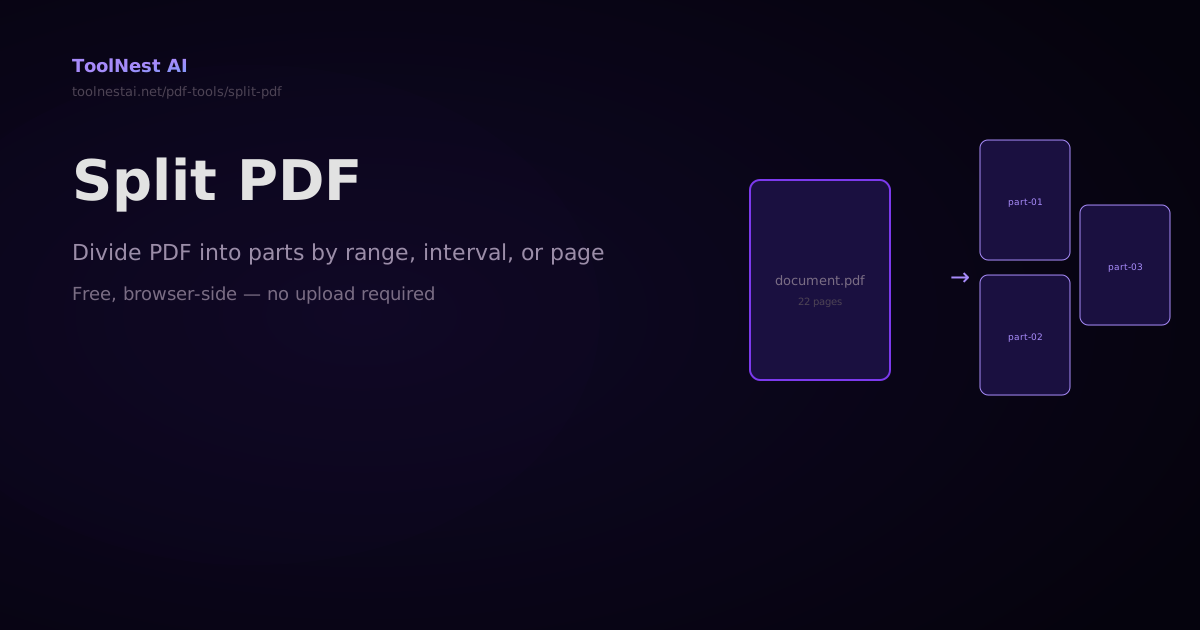
How to Split a PDF — Divide Pages by Range, Interval, or One Page at a Time
Split a PDF into multiple files by page range, every N pages, or one page per file. With code examples using pdf-lib, pypdf, and pdftk. Free online, no upload, no sign-up.
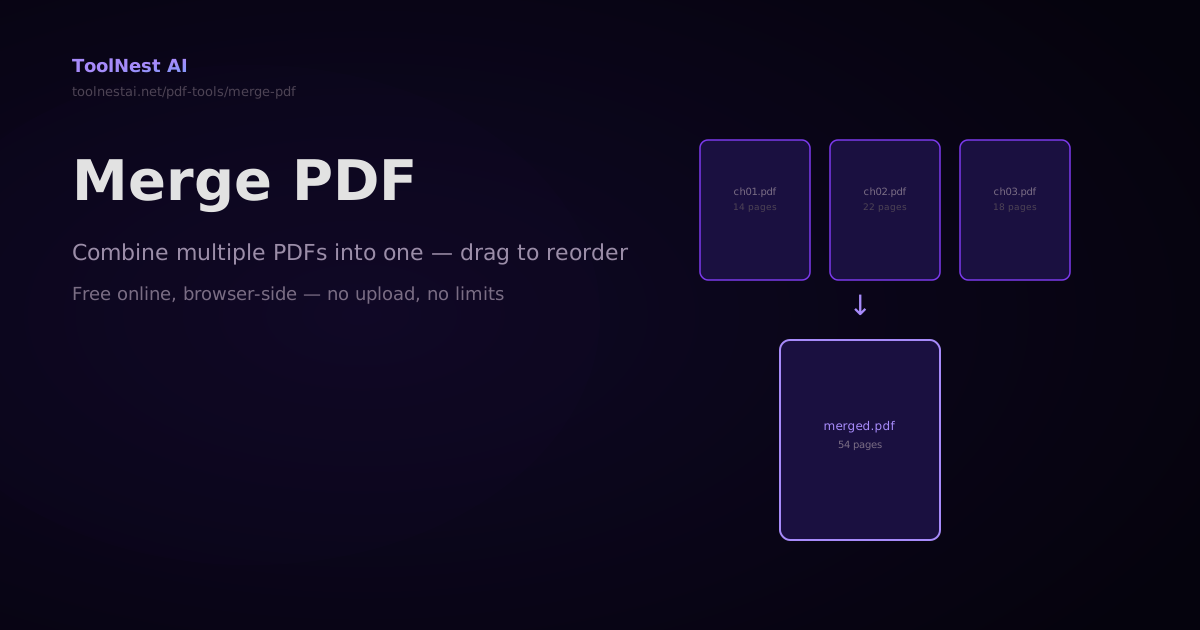
How to Merge PDFs — Combine Multiple PDF Files Into One Online or in Code
Merge any number of PDF files into a single document — drag to reorder, then combine. Plus step-by-step code with pdf-lib, pypdf, and Ghostscript. Free online with no sign-up.
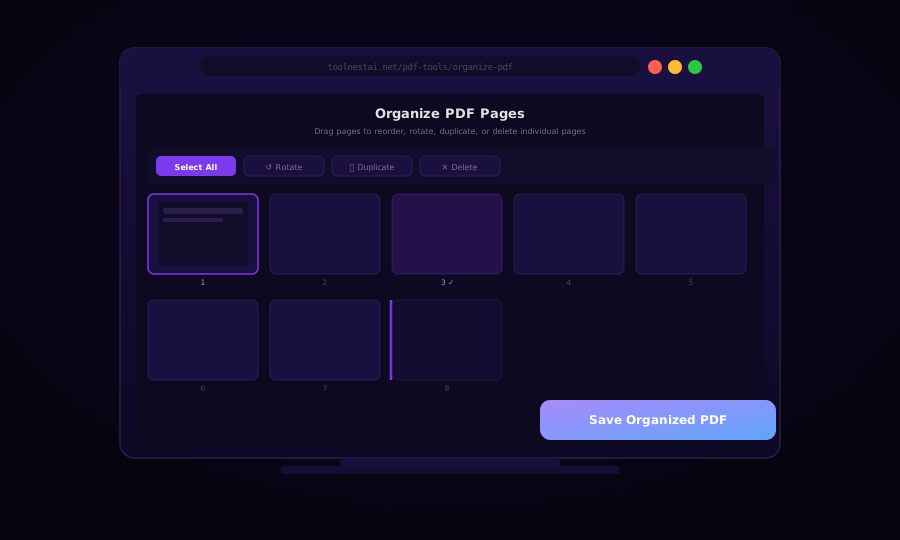
Organize PDF Pages: Reorder, Rotate, Duplicate, and Delete (Free)
Learn how to organize PDF pages with drag-and-drop reordering, rotation, duplication, and deletion — using browser tools, pdf-lib, Python pypdf, and pdftk.