Best Free AI Tools in 2026
Discover the best free AI tools available in 2026 — from AI chat assistants to text summarizers, translators, email writers and resume builders. All free, no sign-up required.
ToolNest AI
Author
Published

Artificial intelligence has gone from a buzzword to a daily necessity. Whether you need to draft a professional email, translate a document, summarise a lengthy report, or build a resume from scratch — there is an AI tool for it. And in 2026, many of the best ones are completely free.
The problem? There are thousands of them. Some are genuinely useful. Others are impressive on a demo page but fall apart the moment you try to do something real. Sorting through the noise takes time most people do not have.
This guide cuts through that. We have tested the most useful free AI tools available right now and put together a practical, honest overview of what each one actually does well — and where you should use it.
What Makes an AI Tool Worth Using?
Before diving into the list, it is worth being clear about what separates a genuinely useful AI tool from a gimmick.
The best free AI tools share a few qualities: they produce accurate, coherent output without requiring you to become an expert prompter; they are fast enough to save time rather than waste it; and they work without forcing you to create an account or hand over your credit card details.
Speed matters too. An AI assistant that takes thirty seconds to generate a mediocre paragraph is not saving anyone time. The tools on this list are responsive and consistent.
Privacy is another factor. Many AI services process your input on remote servers and retain it for model training. If you are handling sensitive documents or client data, that is worth knowing before you paste anything in.
With those criteria in mind, here are the best free AI tools you can start using today.
1. AI Chat Assistant
Best for: General research, brainstorming, drafting, answering complex questions
A good AI chat assistant is the Swiss Army knife of AI tools. You can use it to brainstorm ideas, explain complex topics in plain language, write first drafts, debug logic, plan projects, or simply think through a problem out loud.
The best AI chat tools in 2026 feel genuinely conversational. They follow context across a long conversation, handle follow-up questions naturally, and admit uncertainty rather than confidently making things up.
Where AI chat really earns its keep is in tasks that would otherwise require you to open several browser tabs, read through multiple articles, and synthesise the results yourself. A well-constructed prompt can compress an hour of research into a few minutes.
Tips for getting the most out of it:
- Be specific about the format you want. "Give me a bullet-point summary" produces a very different result from "explain this as if I were a beginner."
- Ask it to explain its reasoning if you need to verify an answer. This also helps you spot when it is guessing.
- Use it iteratively. A first draft is a starting point, not a finished product.
2. AI Text Summariser
Best for: Condensing long articles, research papers, reports, and documents
Reading is slow. The AI text summariser solves the specific problem of information overload. Paste in a long article, a research paper, a meeting transcript, or any dense block of text — and get back the key points in seconds.
This is one of the most practically useful AI tools for professionals who need to process large volumes of written information. Analysts, researchers, students, journalists, and anyone who reads as part of their job will find it genuinely time-saving.
The best summarisers do more than just shorten text. They identify the main argument, pull out supporting evidence, and flag any conclusions — giving you the structure of the original, not just a compressed version of it.
Where it works best:
- Long-form journalism and opinion pieces
- Academic papers and technical reports
- Legal documents and contracts (always verify with a professional for anything legally binding)
- Meeting notes and transcripts
- News articles when you need to catch up on a topic quickly
Where to be careful: AI summarisers occasionally drop important nuance, especially in complex topics where the devil is in the details. Treat summaries as a starting point for reading, not a replacement for it.
3. AI Translator
Best for: Translating documents, emails, web pages, and conversations across 50+ languages
Professional translation services are expensive and slow. Machine translation has been around for decades, but the new generation of AI translators is a significant step up from the phrase-matching approaches that produced awkward, stilted output.
Modern AI translation understands context. It can handle idioms, preserve tone, and adapt phrasing so the output reads naturally in the target language rather than sounding like it was processed by a dictionary.
For most professional and personal use cases — communicating with international clients, reading foreign-language sources, translating product descriptions, or drafting emails to colleagues in other countries — free AI translation is now good enough to use without editing.
Practical use cases:
- Translating customer support emails before responding
- Reading technical documentation published in another language
- Drafting initial versions of multilingual content for review by a native speaker
- Understanding foreign-language contracts or agreements (always have a professional review legal documents)
- Communicating with international suppliers or partners
Languages supported: The leading AI translation tools cover the major European and Asian languages comprehensively. For less common languages, quality varies — always have a native speaker review anything important.
4. AI Email Writer
Best for: Drafting professional emails quickly, improving tone, handling difficult conversations
Most people spend far more time writing emails than they realise. The AI email writer is one of those tools that immediately makes you wonder how you functioned without it.
The basic use case is simple: describe what you need to communicate, and the AI drafts an email for you. But the more interesting use cases go further:
- Tone adjustment. Paste in a blunt or frustrated draft and ask the AI to make it professional and polite. Useful when you are annoyed but need to stay diplomatic.
- Difficult conversations. Giving negative feedback, declining a request, following up without sounding passive-aggressive — these are situations where having a well-worded draft makes a real difference.
- Speed. Templated responses to common requests can be generated and personalised in seconds.
The key to good AI-written emails is treating the output as a starting point. Read it, adjust the tone to match your voice, add any specific details the AI did not have, and send. The time saving is in the drafting, not in clicking send on unedited AI output.
What to give it:
- Context: who are you writing to, and what is your relationship?
- Purpose: what do you need the email to accomplish?
- Tone: formal, friendly, firm, apologetic?
- Any specific points you need to include
The more context you provide, the better the output.
5. AI Resume Builder
Best for: Writing and improving CVs, tailoring resumes for specific job descriptions
A strong resume is a competitive advantage. Yet most people write theirs once, update it infrequently, and submit the same version to every job — which is exactly the wrong approach.
The AI resume builder helps on two fronts. First, it can help you articulate your experience clearly and compellingly if you are not a natural writer. Second, and more usefully, it can help you tailor your resume for specific roles by highlighting the most relevant experience and mirroring the language used in job descriptions.
Applicant tracking systems (ATS) screen resumes before a human reads them, and they are looking for specific keywords and phrases. An AI resume tool can help you optimise for this without making your resume read like a keyword list.
Practical tips:
- Paste in a job description alongside your existing resume and ask the AI to identify gaps or suggest how to reframe your experience.
- Use it to write stronger bullet points. "Managed a team" becomes "Led a cross-functional team of eight to deliver a £2M infrastructure project three weeks ahead of schedule."
- Ask it to write a cover letter from your resume and the job description — then heavily personalise the output.
The AI does not know your story. You do. The best results come from using the AI to structure and sharpen what you already know about your own experience.
Choosing the Right AI Tool for Your Task
Not every AI tool is the right fit for every task. Here is a quick guide:
| Task | Best Tool |
|---|---|
| General questions and research | AI Chat |
| Condensing long documents | Text Summariser |
| Working across languages | AI Translator |
| Professional communications | Email Writer |
| Job applications | Resume Builder |
What These Tools Have in Common
The AI tools above share a few important qualities that are worth noting if you are evaluating others.
They work in the browser. No software to install, no plugins to manage, no compatibility issues. Open a tab and start working.
They require no account. Creating an account to use a tool is friction. It is also a data collection exercise. Tools that let you work immediately, without registration, respect your time and your privacy.
They are free. Not free trials with a credit card required. Not freemium tiers that gate the useful features. Actually free, for actual use.
They are fast. AI tools that take ten seconds to respond are frustrating to use. Speed is part of the user experience.
The Bigger Picture: AI as Infrastructure
The most significant shift in AI tools over the last two years is not any specific capability. It is normalisation. AI assistance is becoming infrastructure — something you use without thinking about it, the way you use spell-check or a calculator.
The people who benefit most from this shift are not those who obsess over prompting techniques or follow every new model release. They are the people who identify one or two specific bottlenecks in their work and find an AI tool that removes them.
Start there. What takes you longer than it should? Where do you get stuck because writing is hard, or because you need information you do not have time to find, or because the language barrier slows things down? That is where AI tools are genuinely useful.
Getting Started
All of the tools in this guide are available for free on ToolNest AI, with no account required.
The best way to evaluate any AI tool is to use it on a real task — not a test, not a demo, but something you actually need to do. That is the fastest way to find out whether it saves you time or just looks impressive.
Browse the full collection of free AI tools and see what fits your workflow.
About the author
ToolNest AI
The ToolNest AI editorial team tests and reviews the best free online tools so you don't have to.
Related Articles
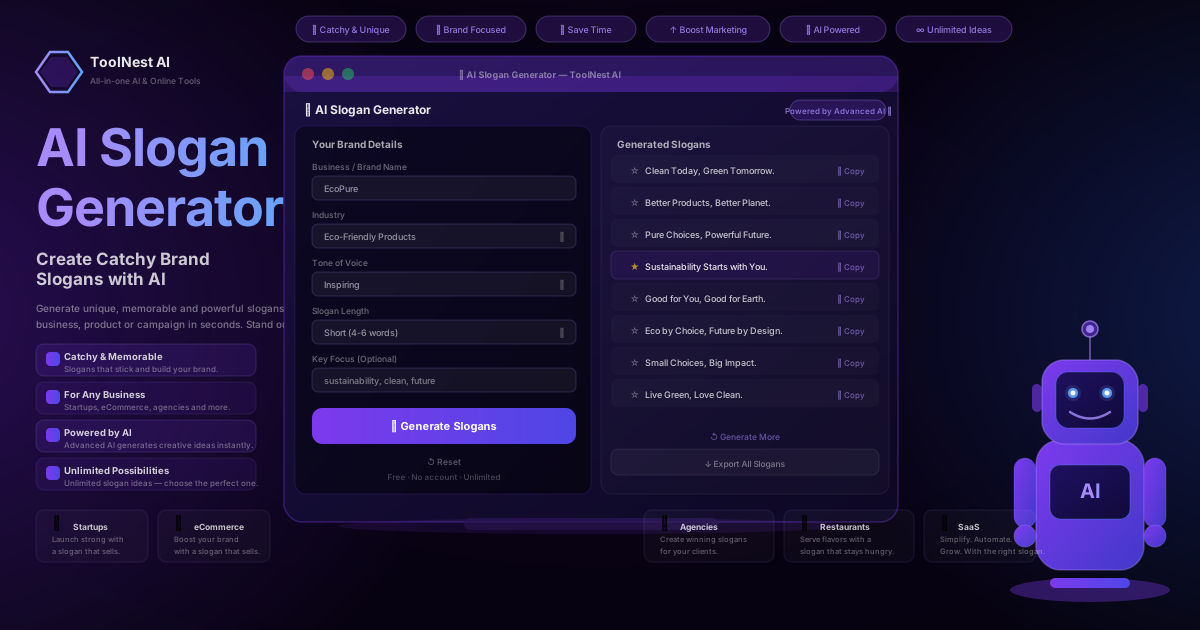
AI Slogan Generator: Create Catchy Brand Slogans with AI (2026 Guide)
Use a free AI slogan generator to create catchy, memorable brand slogans for any business in seconds. Step-by-step guide, industry examples for startups, eCommerce, agencies, restaurants and SaaS, what makes a great slogan, common mistakes, pros and cons, and 8 expert FAQs.
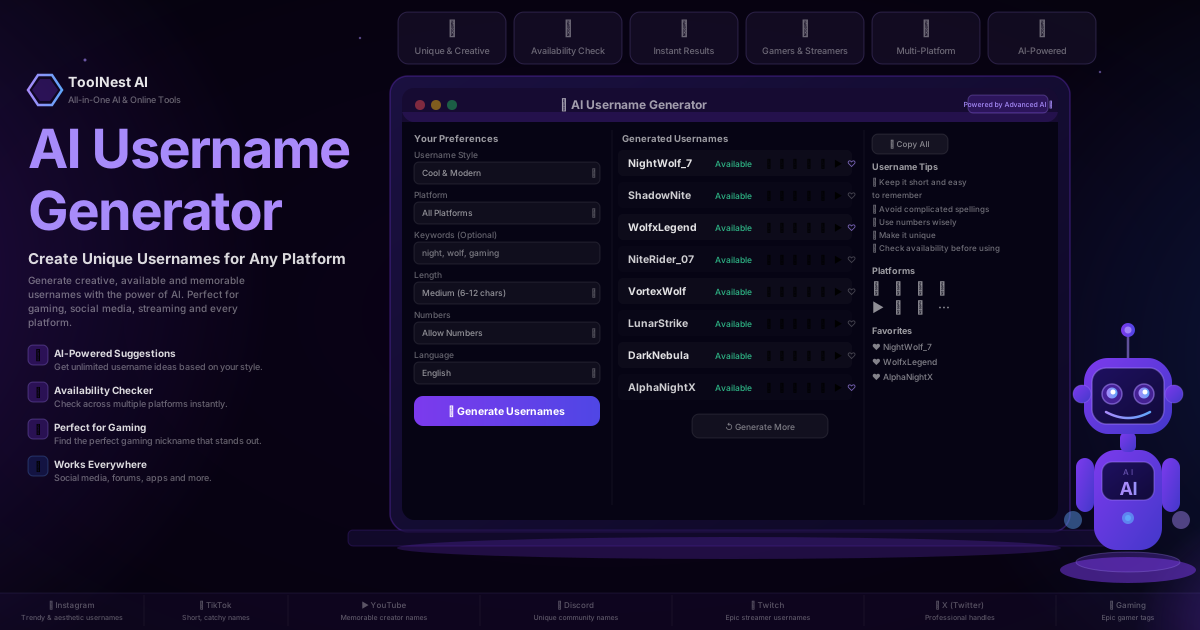
AI Username Generator: Create Unique Usernames for Any Platform (2026 Guide)
Use a free AI username generator to create unique, available and memorable usernames for Instagram, TikTok, YouTube, Discord, Twitch, X and gaming. Step-by-step guide, platform examples, common mistakes, pros and cons, and 8 expert FAQs.
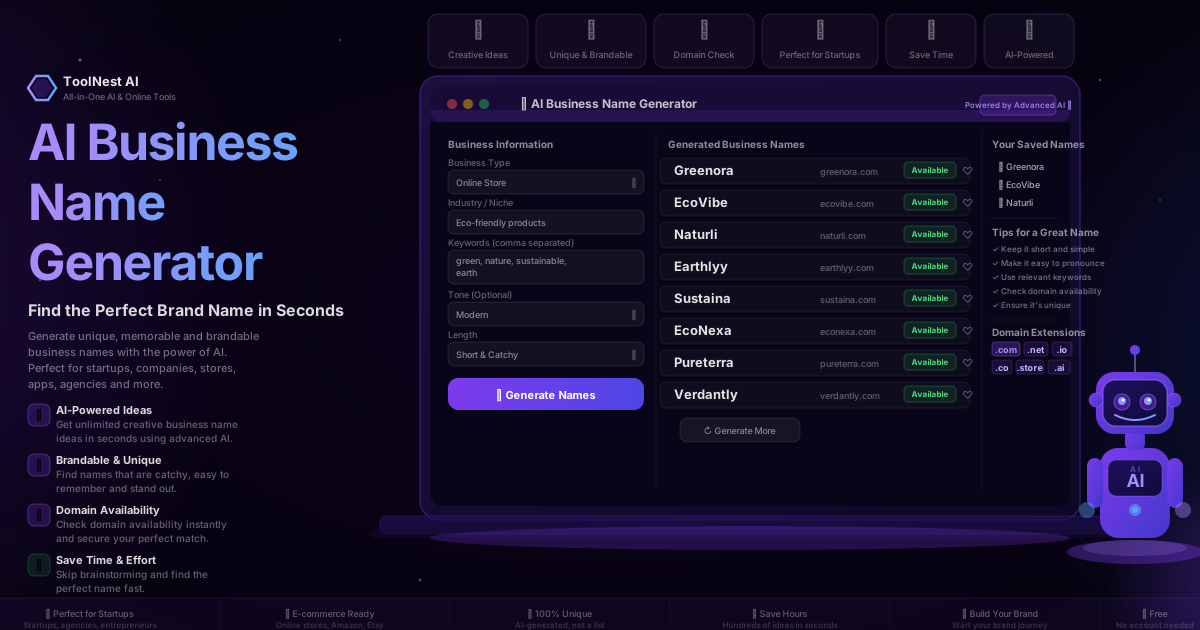
AI Business Name Generator: Find the Perfect Brand Name in Seconds (2026 Guide)
Use a free AI business name generator to find unique, brandable names for your startup, eCommerce store, SaaS or agency. Step-by-step guide, naming tips, domain check, common mistakes and 8 expert FAQs.